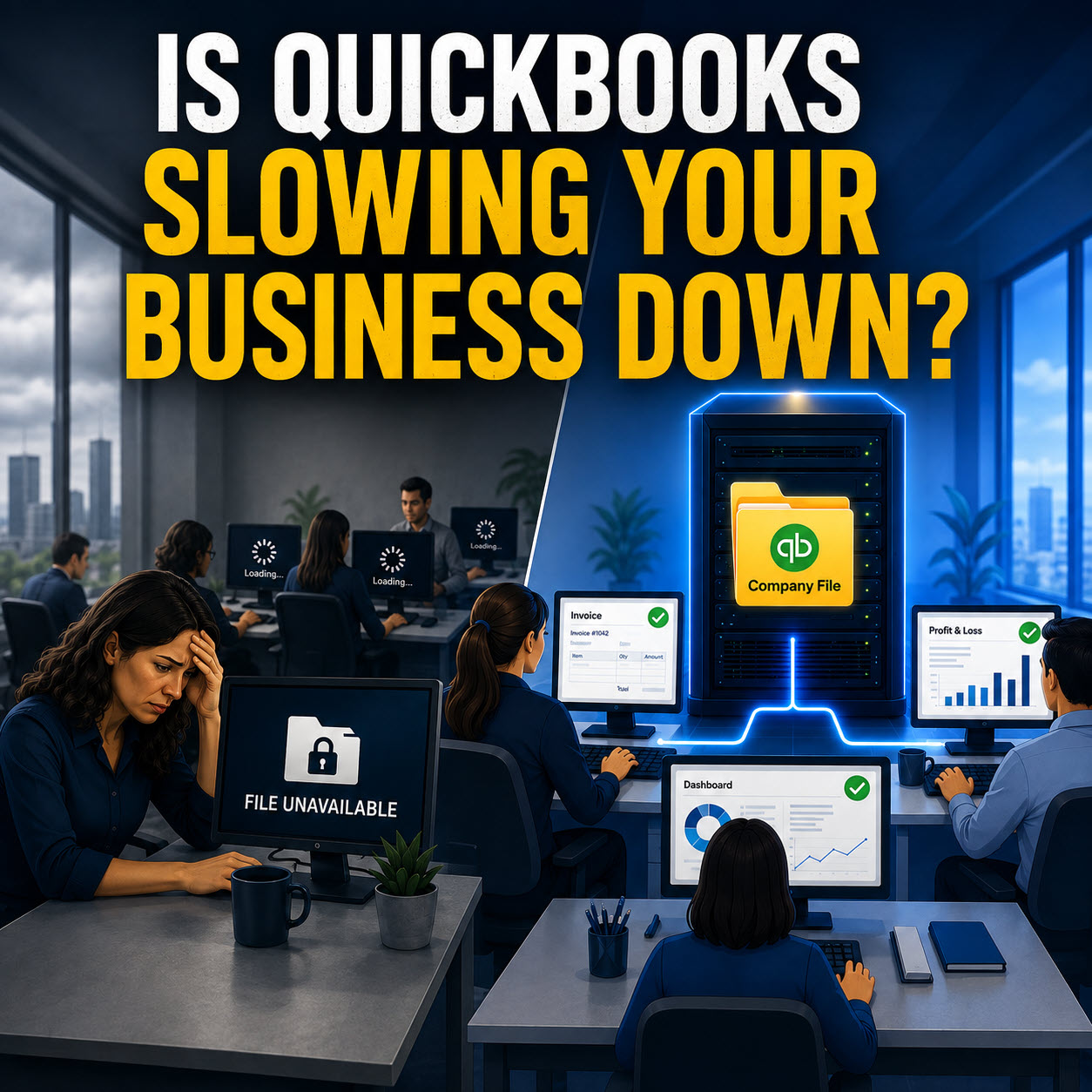
If a critical file went missing this afternoon, would you know where to look first, who last worked on it, and how to restore it fast, without pulling half the team into a panic search
Most business owners in Springfield, MA, will tell you the same thing: not really. That uncertainty is usually the first clue that the system underneath is being held together by habit, not structure.
The truth is, most missing files do not vanish because of a dramatic event. They disappear during everyday work. Two people edit the same document. A folder gets cleaned up. A laptop falls out of sync. A software update changes the default save location. Nothing crashes. No big warning pops up. The work just quietly goes missing.
How File Loss Actually Starts In Small Businesses
In many small offices, shared files are shared by default. Quotes, schedules, client notes, invoices, job documents, templates, everything is opened and edited by whoever needs it in the moment. Over time, it becomes almost inevitable that two people touch the same file too close together.
One person saves their changes, the other saves later, and the later version becomes the “final” version, even when it shouldn't have been. Then you get stuck trying to answer the worst question in business, which copy is the real one.
Cloud storage can make this harder to notice. Sync feels automatic, until it is not. A device goes offline, a sync pauses, or someone works from a different computer and sees a different version. People respond in the most understandable way possible; they create personal copies, email files around, or store backups on their desktop “just in case.” It feels safe in the moment, but it multiplies versions and causes confusion the next time someone needs the file
Then comes the cleanup. As folders grow, someone tries to tidy things up without clear rules. Files get deleted or merged, and a critical document gets caught in the middle.
When Missing Files Turn Into Real Business Risk
At first, missing files feel like an annoyance. Work slows down. Staff get interrupted. Someone recreates the document from memory so the day can continue.
The real risk shows up later, when that “old” file turns out to matter during a client dispute, an audit, an accounting question, or a disagreement about what was approved or delivered. At that point, memory does not count, and neither does “we are pretty sure.” You need the record, and you need confidence that it is the right one
When files live in too many places, and there is no clear rule for the final version, your records stop being something you can stand behind. Workarounds pile up. Staff keep their own copies because it feels safer. Old versions linger forever. That is when missing files stop being inconvenient and start becoming a liability.
Why This Keeps Happening
Most small businesses did not design a file system on purpose. They grew into one. Tools were added as needed, habits formed informally, and shortcuts saved time. Everything worked well enough, so nobody stepped back to question it
Everyone touches files, but no one truly owns the structure. There is no clear answer to questions like these
- Where do final documents live
- Who can delete shared files
- What is the correct way to collaborate without overwriting each other
- How do you recover a file fast, at the file level, not only from a complete system restore
Without answers, the business ends up relying on people instead of systems, and that only works until the wrong person is out, the wrong laptop fails, or the wrong folder gets cleaned up
How I Help Clients Fix This In Springfield, MA, and Westfield
When I get involved, I look at how your files are actually being stored, shared, and protected day to day, not how everyone assumes it works
That usually includes
• Finding where version collisions happen in Microsoft 365 and OneDrive or SharePoint, or in Google Workspace and Drive
• Reducing duplicate file sprawl and setting clear rules for where final documents belong
• Setting up safer collaboration so teams can work at the same time without overwriting each other
• Confirming you have real file recovery options, not just a hope that a backup exists somewhere
• Tightening permissions so the wrong person cannot delete the wrong thing at the wrong time
• Making sure your backup and recovery plan matches how your business actually operates
This is not about overbuilding your setup. It is about reducing friction, improving reliability, and giving you confidence that your files and records hold up when they need to
A Simple Next Step
If you are not confident you can quickly find the correct file, restore it if needed, or prove what did or did not happen when it matters, it is worth a proper review.
If you want a calm, practical assessment of your file sharing, cloud sync, and backup setup, reach out to Bob’s Computer Service. I serve small businesses and residential clients across Springfield, MA, including Westfield, and I will show you where the real risks are and what to change first.