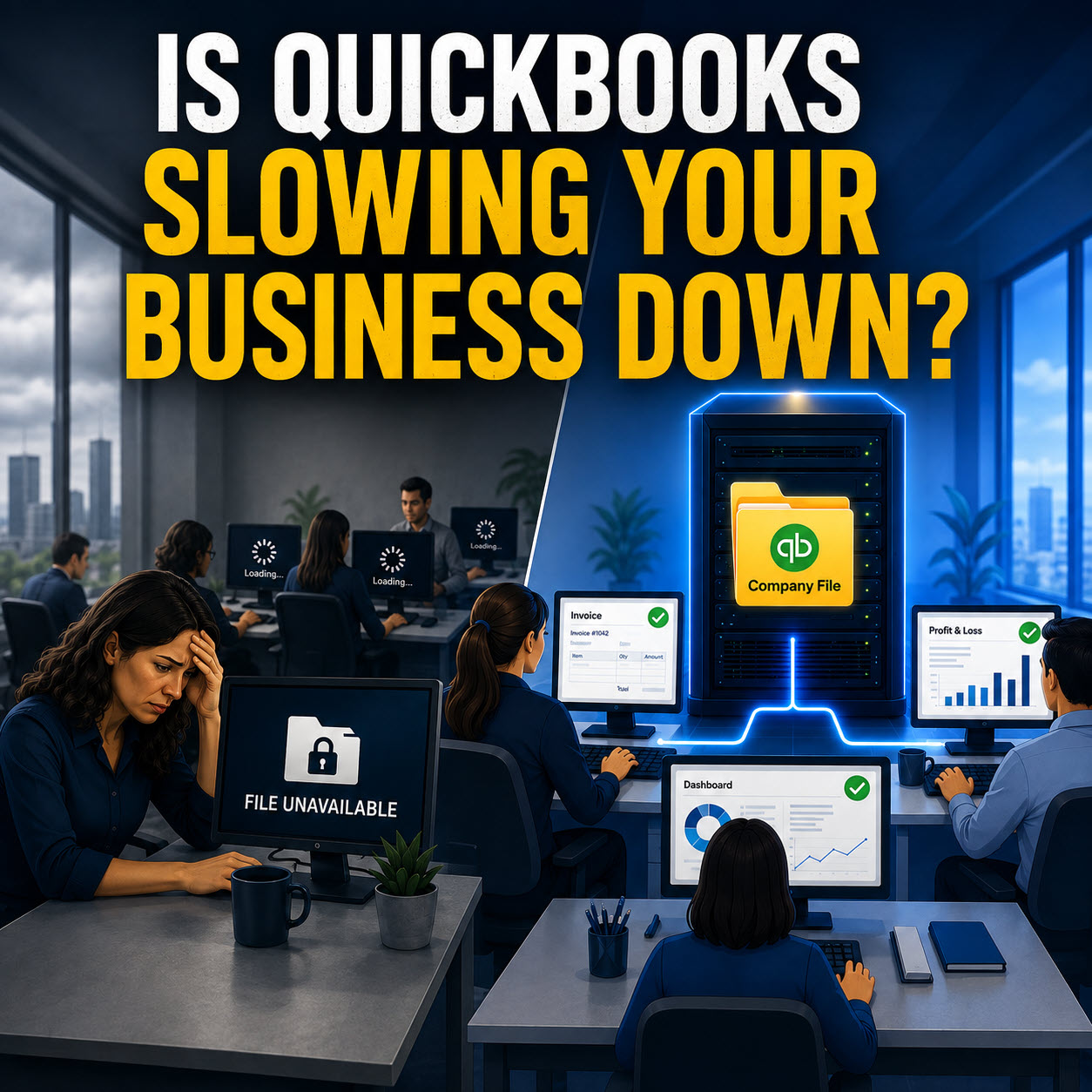
You walk into the office with your coffee, ready to get moving. You sit down, wiggle the mouse, and… nothing. The printer will not connect. Your accounting software throws an error you have never seen. Half your team is standing around because they cannot reach the files they need.
You did not click anything weird. You did not install new software. You did not change a setting.
So what happened
Most of the time, it is simple. Microsoft or Google changed something overnight, and your business is the one that eats the downtime.
The update schedule nobody warns you about
Microsoft has a predictable rhythm. Patch Tuesday is the second Tuesday of the month, when Windows security and quality updates roll out at scale. Sometimes those updates quietly fix real security problems. Sometimes they add features. And sometimes they break something that was working perfectly fine yesterday.
Google is different. Chrome updates itself in the background, and Google Workspace changes regularly, too. The result feels the same on Wednesday morning. You open the door, and something is different.
Here is the important part. This is usually not your fault. It is just how modern software works.
When updates go wrong, they go wrong fast.
Let’s say you have a large-format printer from 2006 that still does exactly what your business needs. Architectural drawings. Retail signage. Specialty forms. It has been a workhorse for years.
Then an update lands, Windows changes how it communicates with printers, and now that fifteen-thousand-dollar printer might as well be a brick.
The driver stops playing nice. The manufacturer stopped supporting that model years ago. No new driver is coming. You are stuck choosing between downtime, workarounds, or replacing hardware that was fine yesterday.
And it is not just printers.
In July 2024, a bad CrowdStrike update caused widespread outages, and Microsoft estimated it impacted 8.5 million Windows devices. Airports, hospitals, banks, and companies all felt it. The update itself was the problem.
What a smarter update strategy looks like
If you let every computer update itself whenever it feels like it, you are basically crossing your fingers.
A smarter approach is controlled and staged.
Pick a small set of non critical computers first. Let them receive updates early. Watch for issues for a day or two. Printing. Line of business software. File access. Anything that your team relies on.
Only after that looks clean do you roll updates to the rest of the office.
You also want visibility. Not just a green check mark on one screen, but a real answer to the question: did every machine actually install the security patch successfully
Because plenty of computers fail updates silently. A patch can hang, partially install, or roll back, and you do not find out until something breaks or a security issue hits.
The real cost of letting updates run wild
When an update breaks something, how long is your office down
How many employees are sitting idle
How many customer orders are delayed
For businesses in Springfield MA and Chicopee, this is one of those quiet productivity killers that adds up month after month.
Let’s talk about your update plan
If Patch Tuesday has ever knocked your office off balance, it is worth tightening this up now before the next round of updates.
If you want help building a controlled patch routine, plus monitoring so problems get caught early, reach out to Bob’s Computer Service and we will walk through what you have, what is fragile, and how to stabilize it.