There is one computer in many small businesses than any other device.
It sits near the entrance, handles appointments, opens invoices, prints labels, checks email, and gives employees quick access to important business systems. The receptionist uses it, but so does the manager covering lunch, the salesperson checking a schedule, and sometimes even a customer entering information.
It is the front desk computer.
Because it is always available and rarely assigned to one specific person, it can quietly become one of the most overlooked computer security risks in the entire business.
When Everyone Uses It, Nobody Truly Manages It
A computer assigned to an employee usually has someone who notices when it slows down, needs an update, or starts displaying unusual messages.
The front desk computer is different.
Everyone assumes someone else is taking care of it. Updates are postponed because the desk needs to remain available. Programs are installed to solve one immediate problem and then forgotten. Browser extensions accumulate. Old printer software remains for years after the printer has been replaced.
Over time, the computer becomes a collection of software that nobody fully understands or remembers approving.
That matters because outdated software can contain known security vulnerabilities. CISA identifies prompt software updates as one of the basic steps businesses should take to reduce their exposure to cyberattacks. NIST also recommends maintaining an inventory of business hardware and software, so companies know what needs to be updated, replaced, or removed. Is it actually stored on the Front Desk Computer?
The computer may not appear to contain much important information. After all, it is usually not the server, the owner’s computer, or the accounting workstation.
But look a little closer.
The Downloads folder may contain invoices, applications, tax documents, client records, delivery slips, scanned identification, and spreadsheets that were opened quickly and never removed.
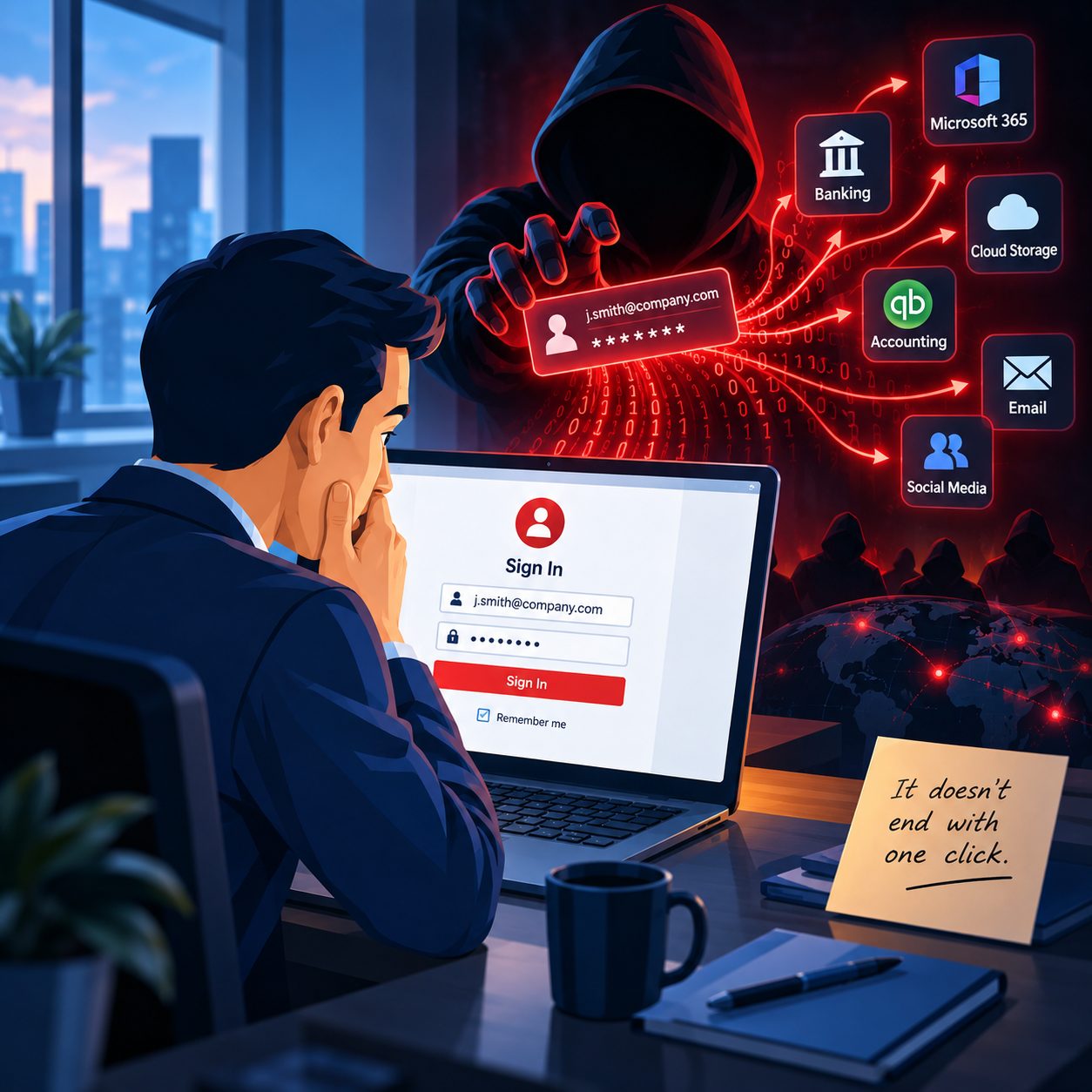
The browser may contain active sessions for supplier portals, scheduling systems, email accounts, cloud storage, payment services, or accounting platforms.
Saved passwords are not necessarily sitting openly in an unprotected text file. Modern browsers apply security protections to saved credentials. However, Microsoft warns that another person with access to the same computer session may still be able to sign in to accounts using saved passwords or autofill. Browser security also cannot fully protect stored information when the computer itself has been compromised by malicious software. Distinction is important.
The problem is not simply that the browser remembers passwords. The problem is that multiple people may be using the same Windows account and the same browser profile without anyone knowing exactly what has been saved.
One Shared Login Can Create a Much Larger Problem
Many front desk computers use one shared Windows login.
It is convenient, but it removes accountability. You cannot easily tell who installed a program, downloaded a file, changed a setting, or accessed a particular system.
It may also give every person using the computer the same level of access.
Years ago, someone at the front desk may have needed access to one folder on the business network. Instead of carefully configuring that permission, the computer was given access to the entire shared drive. That permission remained in place long after anyone remembered why it was granted.
Business systems should follow the principle of least privilege. This means users and computers receive access only to the information and functions required for their role. NIST recommends limiting privileges to specific duties rather than providing broad access by default. The desk may need access to appointment records and customer contact information. It probably does not need unrestricted access to payroll documents, employee records, tax files, or every folder used by management.
The Physical Location Creates Additional Exposure
Most employee computers sit behind a desk, inside an office, or in an area customers rarely enter.
The front desk computer often faces an open reception area.
A customer waiting for an appointment may be able to see names, email addresses, schedules, invoices, or other private information displayed on the screen. An employee stepping away for only a minute may leave an unlocked computer available to anyone standing nearby.
NIST recommends controlling physical access to business computers, positioning screens so unauthorized visitors cannot easily view them, and using automatic screen locking where appropriate. A screen, a shorter automatic locking period, or a simple change in monitor position can reduce this exposure without interfering with daily work.
Stop Handing Customers the Business Keyboard
Asking a customer to type an email address or update contact information may feel harmless. Most of the time, nothing bad happens.
The concern is that the customer is being given access to a computer that may already have open browser tabs, saved sessions, downloaded documents, and access to the business network.
A dedicated tablet, customer form, kiosk device, or separate guest computer is a safer choice.
Browser Guest mode can provide some separation for temporary browsing, as history, cookies, passwords, and form data are not retained when Guest windows are closed. However, Microsoft notes that downloaded files can remain on the computer, so Guest mode should not be treated as complete protection. S should never need direct access to the same Windows account employees use for normal business operations.
How to Secure the Front Desk Computer
The solution does not require turning the reception area into a high-security facility. The computer needs to be managed like every other important business device.
Start with these steps:
Assign responsibility for the computer to a specific employee, manager, or IT provider.
Add the computer to the business hardware and software inventory.
Install operating system, browser, application, and security updates promptly.
Remove unused applications, old printer utilities, and unnecessary browser extensions.
Give employees individual accounts whenever practical instead of relying on one shared login.
Use standard user accounts for daily work and reserve administrator access for authorized support.
Review shared folders and network permissions so the computer can reach only what the front desk actually needs.
Review saved browser passwords, active sessions, autofill information, and downloaded files.
Require multifactor authentication for email, cloud storage, accounting platforms, and other important business systems. CISA recommends multifactor authentication because it adds another layer of protection when a password is stolen or exposed. Figure out automatic screen locking and consider installing a privacy screen.
Provide a separate device or secure form when customers need to enter their own information.
Include the computer in your managed antivirus, monitoring, backup, and security policies.
The Most Ordinary Computer Can Still Hold the Keys to the Business
The front desk computer may not look important.
It might be an older desktop sitting beside a phone, printer, and stack of appointment forms. But it may still provide access to email, customer information, cloud services, shared folders, supplier accounts, and other systems that keep the business running.
That makes it valuable.
Small business cybersecurity is not only about protecting servers and executive computers. It is about understanding every device that can access sensitive information and ensuring someone is responsible for protecting it.
For small businesses in Springfield, MA, and Chicopee, a front-desk computer security review should be part of any professional IT support or cybersecurity assessment.
If the device most people in your building use is missing from your security checklist, it is time to add it.