For years, I have heard some version of the same sentence:
“My Mac cannot get viruses.”
Sometimes it is said jokingly. Sometimes the person genuinely believes it.
Linux users can be even more confident.
And there is a little bit of truth buried in there. Windows computers have historically attracted an enormous amount of malware, and the typical Mac or Linux user may go years without ever seeing the kind of obvious infection that used to plague Windows PCs.
But there is a very important difference between "less commonly attacked" and "cannot be attacked".
Apple recently gave us an excellent reminder of that.
What Actually Happened With Apple?
First, an important clarification.
Apple itself was not breached in the sense that someone broke into Apple headquarters and stole everyone's information.
Instead, researchers discovered a serious security vulnerability inside the Screen Sharing feature built into macOS.
Screen Sharing is exactly what it sounds like. It allows someone to view and control a Mac remotely. It is useful for remote support and administration.
Unfortunately, the vulnerability could allow an attacker on the network to get through Screen Sharing without valid login credentials.
Think of it as discovering that a particular electronic door lock model sometimes opens even when the person outside does not have the correct code.
The lock is still there.
The door looks locked.
But under the right circumstances, somebody can get through anyway.
Apple released fixes on August 6, 2026, for macOS Tahoe 26.6.1, Sequoia 15.7.9, and Sonoma 14.8.9.
Then things became more serious.
Security officials in the Netherlands reported that attackers were already exploiting the vulnerability on Macs where the Screen Sharing service was exposed directly to the Internet.
In the systems they observed, attackers obtained root access and installed Monero cryptocurrency mining software.
If the term "root access" means nothing to you, think of it as having the master key to the building.
A regular user might have access to an office.
An administrator might have access to several rooms.
Root essentially gets the keys to everything.
And that is why this particular vulnerability matters.
The Cryptocurrency Miner Is Almost Beside the Point
In the reported attacks, criminals installed cryptocurrency miners.
That means the infected computer secretly used its processor to perform calculations that generated cryptocurrency for somebody else.
Your electricity.
Your computer.
Your processor.
Their money.
That could make a computer run slower, hotter, or louder, but in the grand scheme of cybersecurity, a cryptocurrency miner is not the scariest thing someone with that level of access could potentially install.
The same type of access could theoretically be used for credential theft, spying, malware, or gaining access to other systems on a business network.
That does not mean those things happened in these reported attacks.
It means the doorway was powerful enough that the possibilities were much larger than simply making someone's Mac run hot.
But I Bought a Mac Because They Are More Secure
Macs have some excellent security features.
Apple controls both a large portion of the hardware and the operating system. macOS includes protections such as Gatekeeper, application sandboxing, built-in malware detection, permission controls, and other layers designed to make malicious activity more difficult.
Those protections absolutely matter.
They just are not magic.
A modern house can have excellent locks, cameras, alarms, and motion sensors.
If someone discovers that a certain window can be opened from outside because of a manufacturing defect, the fact that you bought good locks does not make the window disappear.
That is essentially what software vulnerabilities are.
And Apple patches them regularly.
In fact, just 11 days after the August 6 Screen Sharing update, Apple released macOS Tahoe 26.6.2 on August 17 with additional fixes affecting areas such as audio processing, images, Safari technology, and sensitive information.
That is not evidence that Apple products are terrible.
It is evidence that modern computers are incredibly complicated.
Millions upon millions of lines of code interact with browsers, networks, cameras, files, websites, applications, printers, cloud services, and other devices.
Eventually somebody finds something that behaves in a way the developer did not intend.
Every major operating system deals with this.
Macs Are Also Being Targeted With Regular Malware
There is another misconception I frequently hear.
Even when people accept that a Mac could theoretically have a vulnerability, they still believe criminals do not bother creating malware for Macs.
They do.
And modern Mac malware does not necessarily look like the cartoon version of a computer virus.
You may not get fifty pop-up windows and a flashing message telling you that your computer is infected.
Some of today's malware wants the exact opposite.
It wants your computer to look completely normal.
Information-stealing malware designed specifically for macOS has been used to steal browser credentials, password manager data, cryptocurrency wallet information, Apple Keychain data, files, and other valuable data.
Recent campaigns have even used fake verification screens and software installers to convince Mac users to install malicious software unknowingly.
That is important because cybersecurity is not always about a criminal defeating the computer.
Sometimes the criminal simply convinces the owner to open the door.
What About Linux?
Linux has its own mythology.
Because Linux has a smaller presence on ordinary consumer desktops than Windows or macOS, the average person may hear much less about Linux malware.
But Linux is everywhere.
It runs servers, websites, cloud infrastructure, containers, network appliances, development environments, and countless other systems.
That can make Linux an extremely attractive target.
In 2026, researchers continued to document attacks targeting Linux systems, containers, exposed services, cryptocurrency miners, botnets, and ransomware-related activity. One Fortinet investigation, for example, found persistent compromises in Linux and container environments originating from exposed Redis systems.
Linux security is excellent when Linux is properly configured and maintained.
But again, there is that important phrase:
Properly configured and maintained.
An old Linux server with an exposed service, a weak password, outdated software, or poor configuration is not magically safe just because there is a penguin on the box instead of a Windows logo.
So Is Windows Less Secure?
This is where I think the conversation sometimes goes in the wrong direction.
People want a winner.
Windows versus Mac.
Mac versus Linux.
Which one cannot be hacked?
There really is not one.
Windows remain an enormous target because they are used in businesses and homes worldwide.
Macs have a different security architecture and have historically received less of certain kinds of mass-market malware, but attackers absolutely target them.
Linux may receive less attention on someone's home laptop, yet Linux systems can sit at the center of enormously valuable business and cloud infrastructure.
The better question is not:
Which operating system is impossible to compromise?
The better question is:
How difficult have I made it for somebody to compromise mine?
That is something we can actually control.
Security Should Be Layers, Not One Magic Product
One of the biggest mistakes people make is thinking cybersecurity means installing an antivirus program and calling it a day.
Good security is much more like protecting a house.
You want several layers working together.
1. Keep the operating system updated
This recent Mac vulnerability demonstrates exactly why updates matter.
Once a security vulnerability becomes public, criminals can start looking for machines that have not been patched.
That means delaying an update for weeks or months can leave a known door open.
2. Do not expose remote access directly to the Internet
This was especially important in the recent Mac Screen Sharing attacks.
The reported exploitation involved systems where the Screen Sharing port was reachable from the Internet.
Remote access can be extremely useful.
It just needs to be configured correctly.
For businesses, remote access should generally be protected by secure remote access systems, firewalls, VPN technology where appropriate, strong authentication, and sensible access controls.
3. Use good endpoint protection
Built-in operating system security is valuable.
It should not automatically be considered the only protection a business needs.
Businesses should evaluate endpoint security based on what the computers contain, what they can access, and what would happen if one were compromised.
4. Protect the accounts too
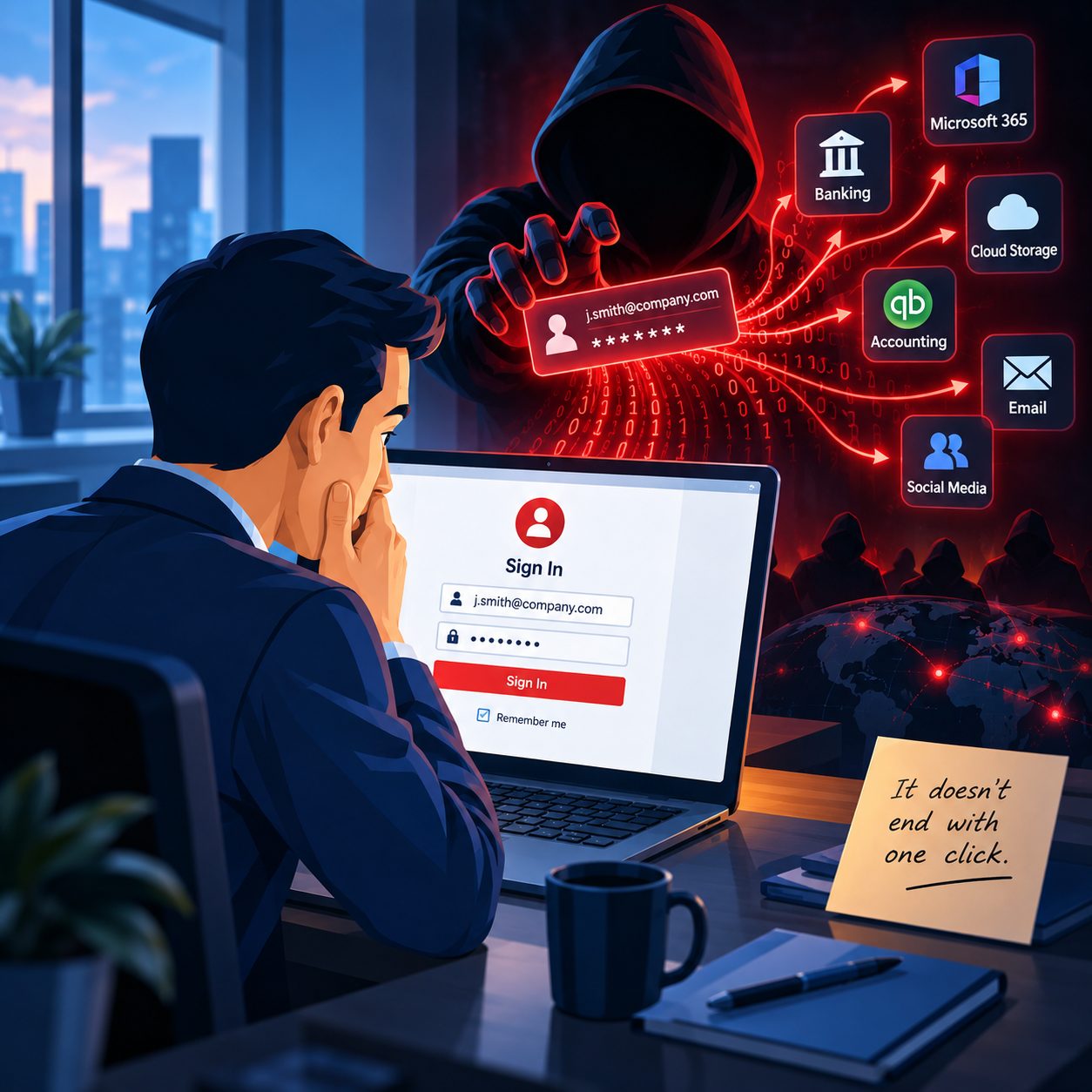
Sometimes the computer itself is perfectly clean, and the attacker steals the Microsoft 365, Google, Apple, banking, or email credentials.
Use unique passwords.
Turn on two-factor authentication whenever possible.
Use passkeys where they make sense.
And never approve an unexpected authentication request simply because something popped up on your phone.
5. Have backups you can actually restore
A backup should not just exist.
It needs to work.
If malware destroys, encrypts, or deletes important information, your backup may become the thing standing between an inconvenience and a business disaster.
6. Be suspicious when a website asks you to do something unusual
If a random website suddenly tells you to open Terminal, paste a command, turn off security, install an unfamiliar utility, or type your computer password to fix a problem, stop.
Recent Mac malware campaigns used tricks such as fake verification pages and instructions designed to convince people to run malicious commands themselves.
You do not need to understand the technical reason.
You only need to recognize that it is unusual enough to ask somebody before proceeding.
The Biggest Security Risk May Be Thinking You Are Already Safe
That is really the lesson I want people to take from the recent Apple vulnerability.
I am not telling anyone to throw away their Mac.
I am certainly not telling businesses to stop using Linux.
And this is not an argument that Windows is somehow safer than everything else.
It is an argument against complacency.
The computer that worries me is not necessarily the Windows PC, Mac, or Linux machine.
It is the computer someone has not thought about in three years because:
“It has always worked fine.”
Those are the machines that may have missed updates.
Those are the machines that sometimes have old remote access settings nobody remembers configuring.
Those are the machines where nobody is completely sure whether the backup works.
And those are the machines attackers love finding.
Small Business Security in Springfield MA Should Not Depend on the Logo on the Computer
If you run a small business in Springfield MA, Longmeadow, or the surrounding Western Massachusetts area, your network may contain a mixture of Windows PCs, Macs, phones, tablets, cloud accounts, printers, security cameras, and possibly Linux-based devices without you even realizing it.
They all become part of your security picture.
The goal is not to make technology frightening.
The goal is to take away the easy opportunities.
Keep systems updated.
Secure remote access.
Protect accounts.
Maintain reliable backups.
Use appropriate security software.
And have someone periodically review the entire environment instead of assuming that, because nothing bad has happened yet, everything must be configured correctly.
That recent Apple vulnerability is a good reminder that no computer has an invisible force field around it.
Macs can be compromised.
Linux systems can be compromised.
Windows systems can be compromised.
Good security comes from making sure that when someone looks for an easy entry point to your computer or business, yours is not the one they find open.
If you are not sure whether your business computers, remote access, backups, updates, or network security are configured properly, Bob's Computer Service can help you review the overall environment and identify gaps before they become an emergency.