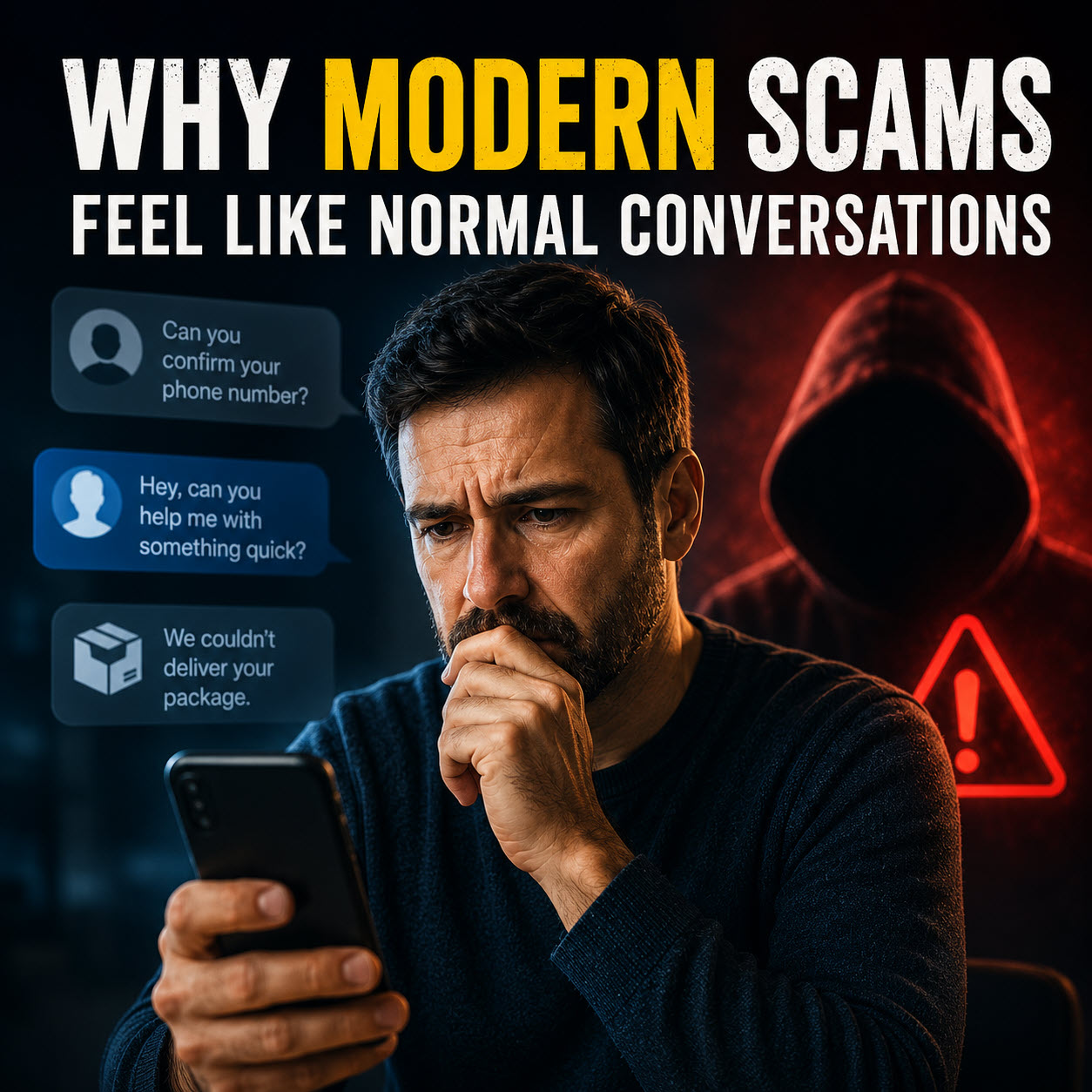
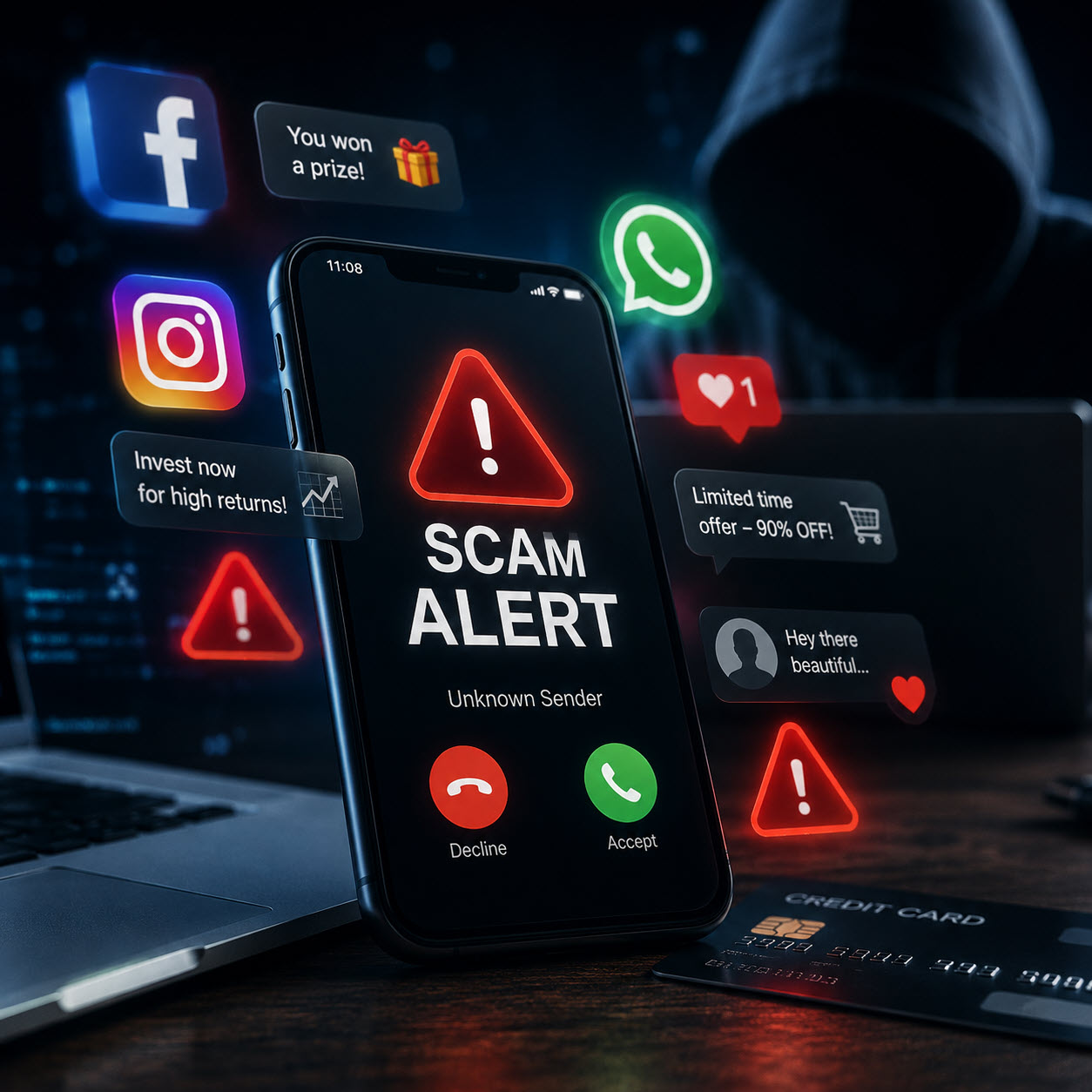
Online scams today don’t come with broken English and pixelated pop-ups anymore. The new wave of online trickery is sleek, fast, and frighteningly convincing. We’re talking cloned voices, fake job offers, deepfake phone calls, and QR codes hiding malware.
Whether you’re in Springfield, MA, or East Longmeadow, these scams are showing up in inboxes, phones, and social feeds every day, and even savvy users can get fooled. Here’s how to recognize them before they cost you money or worse.
1. The Deepfake Family Emergency Call
You get a call from your “daughter” or “son” in complete panic mode. They say they’re hurt, in jail, or in trouble, and they need you to send money now. It sounds just like them. But it’s not.
Thanks to AI voice cloning, scammers can now mimic a loved one’s voice almost perfectly. The fake calls often demand gift cards, wire transfers, or urgent payments.
What to do:
- Never act on emotion. Hang up, and call the real person directly.
- Agree on a “family safe word” ahead of time for emergencies.
- Ask personal questions only your actual family would know.
2. The Fake Boss or CEO Impersonation
You get a message that looks like it came from your company’s higher-ups, asking you to transfer money, buy gift cards, or share sensitive data. It even references real projects or coworkers.
One UK company was hit with a $243,000 fine after a CEO fell for a voice deepfake impersonating their parent company’s executive.
Spot the red flags:
- Pressure to “act now” or “don’t tell anyone.”
- Unusual requests involving money or sensitive info.
- Confirm anything odd using a separate communication method (not the one they contacted you on).
3. The Too-Good-To-Be-True Job Offer
You get a message about a high-paying remote job, sometimes after only one interview. They want to send you a laptop and set up direct deposit, but there’s a catch: they ask for money or sensitive personal info first.
Before you bite:
- Always verify job offers on the company’s official site.
- Research the recruiter’s real identity.
- Never pay for software, gear, or “onboarding costs” out of pocket.
4. The QR Code Trap
That QR code taped over the parking meter or restaurant menu? It might not take you where you expect. Some scammers replace legit codes with their own, leading you to fake sites that steal credentials or install malware.
Stay cautious:
- Check for tampering, especially stickers slapped over original codes.
- Look at the link preview before clicking.
- Use phone security tools that scan for shady websites.
5. The AI-Powered Investment Scam
Online investment “platforms” are popping up promising huge, guaranteed returns, 20% weekly or more. They’re dressed up with real-looking dashboards, chatbots, and testimonials. But the only people making money are the scammers.
Trust your gut:
- No legit investment guarantees quick returns.
- Never invest based on a chatbot’s advice.
- Stick to platforms that are licensed, reviewed, and regulated.
Final Thoughts
Scammers are getting better, but the playbook stays the same: panic, pressure, and persuasion. Whether you’re in Springfield, MA, or just browsing on vacation, stay sharp. If a message or call feels off, it probably is. Pause. Think. Verify.
And if you or someone you know in East Longmeadow runs into a strange pop-up, weird email, or suspicious tech issue, give us a call. At Bob’s Computer Service, we’ve seen just about every scam out there, and we’re happy to help you steer clear of them.