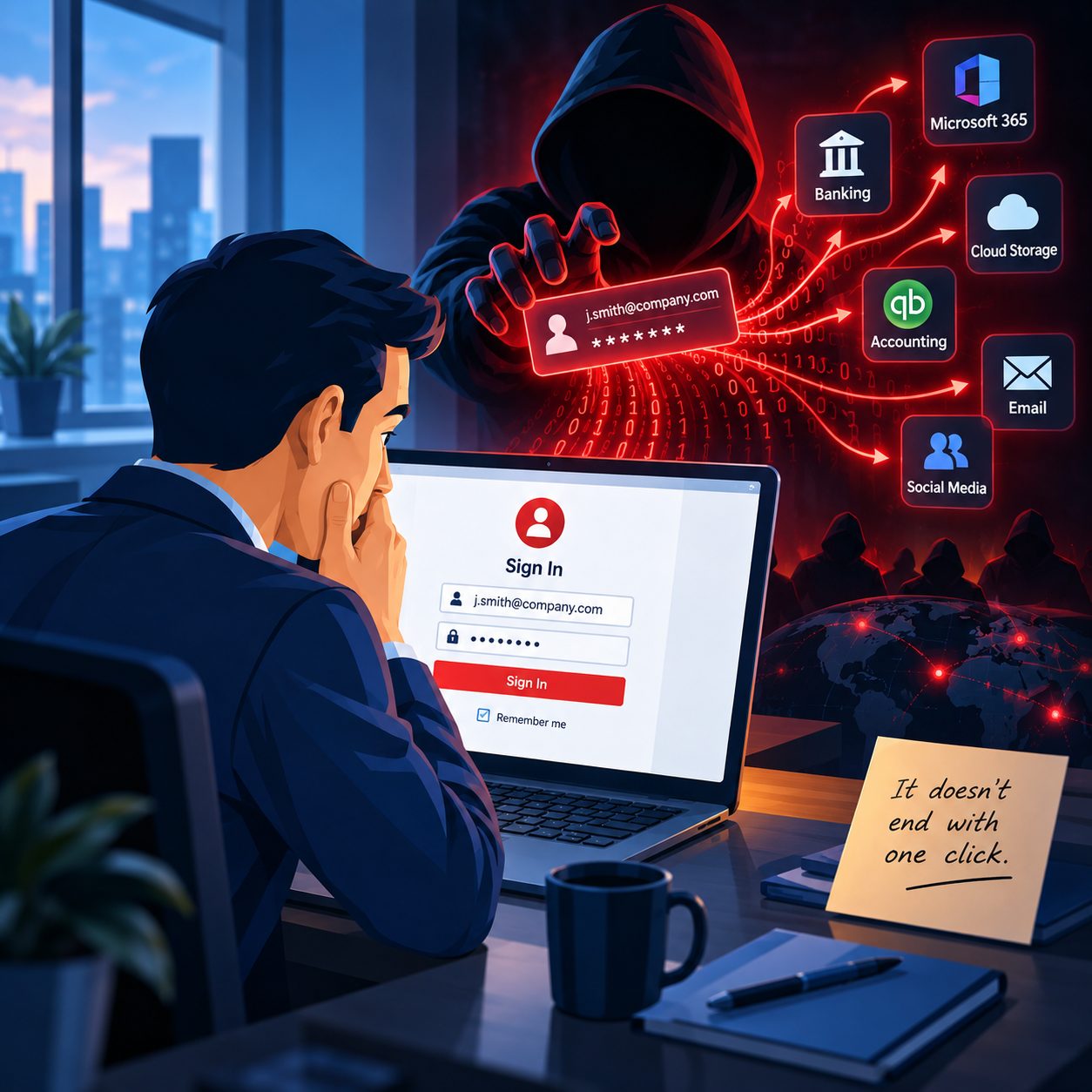
You changed the password.
You ran a full antivirus scan.
Nothing was found.
For a few days, everything seemed normal.
Then another strange message went out from your account. A client received an email you never sent. A password reset has been sent to your inbox. Someone noticed a login you do not recognize.
And now you are asking the obvious question:
How can my email still be compromised if the computer is clean?
This is one of the more frustrating situations I see because most people naturally assume that cleaning the computer removes the entire problem.
Sometimes it does.
Sometimes it does not even come close.
Email security today extends well beyond the antivirus program installed on your computer. Your browser, active login sessions, Microsoft 365 account, recovery information, email rules, forwarding settings, and other account controls can all be exploited in an attack.
That means you can have a perfectly clean Windows computer while someone still has access to your email.
Antivirus Only Checks Part of the Problem
Running a reputable antivirus or security scan after suspicious activity is well worth it. Microsoft itself recommends scanning a computer for malware as part of the process of recovering a compromised account. But Microsoft also recommends changing the password and reviewing account settings afterward, including forwarding and other account configuration.
That distinction matters.
Think of your computer and your email account as two connected rooms.
An antivirus may help you clean the room where the computer is located.
But if someone has already copied a key to the room containing your email account, cleaning the first room does not necessarily remove that key.
That is why I become concerned when someone tells me, “We scanned the computer, and it came back clean, so we should be all set.”
Maybe.
But I would want to know what happened after the attacker got access.
Your Browser Knows More Than Most People Realize
Your web browser has become one of the most important programs on your computer.
You probably use it for email, banking, Microsoft 365, QuickBooks-related services, cloud storage, vendor portals, social media, shopping, and dozens of other accounts.
Browsers can also run extensions.
Most browser extensions are legitimate and useful, but extensions can request significant access to the websites you visit. Google documents that some Chrome extensions can be granted permission to read and change site data, and certain permissions may allow an extension to read or modify information on websites you visit.
That does not mean browser extensions are inherently dangerous.
It means they deserve the same scrutiny as other software.
If I am investigating recurring account issues, I want to know which extensions are installed, which the user actually recognizes, what permissions they have, and whether anything was installed that should never have been there.
Simply scanning Windows and ignoring the browser can leave an important part of the investigation untouched.
The Attacker May Already Have a Valid Session
Here is where email compromises become particularly confusing.
When you log into a website, the service generally needs a way to remember that you have already authenticated. Otherwise, you would have to enter your password every time you clicked something.
That authenticated state can involve session cookies and security tokens.
If an attacker steals usable session information, they may reuse it to access services without going through the normal login process again. Microsoft documents session cookie theft as a security threat and provides specific investigation guidance for these incidents. CISA has also documented attacks in which stolen web session information was reused to establish access.
This is an important reason why changing a password is not always the only step needed after a serious compromise.
Administrators may also need to revoke active sessions and refresh tokens to force the account to authenticate again. Microsoft provides specific procedures for revoking user access in cases of compromised accounts.
In plain English, sometimes you need to change the lock and invalidate any keys already handed out.
The Attacker Could Have Changed Your Inbox Without You Noticing
One of the first places I would look after an email compromise is the account's rules and forwarding settings.
Attackers do not always want to make a lot of noise.
Sometimes they would rather watch.
Microsoft specifically warns that compromised Microsoft 365 accounts may contain suspicious inbox rules that automatically forward messages to unknown recipients, move messages to less visible folders, mark messages as read, or hide activity from the legitimate user.
Imagine what that could mean for a business owner.
A customer sends an invoice question.
A bank sends an alert.
Microsoft sends a security notification.
A vendor sends payment information.
You assume you never received it.
Meanwhile, a rule created inside your mailbox quietly moved, deleted, or forwarded it.
The computer could be completely free of malware at that point because the rule lives inside the online email account.
Microsoft also notes that automatic external forwarding can be configured through inbox rules or mailbox forwarding and can sometimes result from an account compromise.
That is why checking Sent Items alone is not enough.
Recovery Information Matters Too
Another area people frequently forget is account recovery.
Your email address, phone number, authentication methods, and other security information help verify that you are who you are.
If someone gains enough control over an account, reviewing those settings becomes extremely important.
Microsoft provides tools for managing security information and verification methods, and Google similarly recommends reviewing recovery information and unfamiliar devices when investigating suspicious account activity.
This is one of those details that does not seem important until the day you desperately need to regain control of an account.
You do not want to discover during an emergency that the recovery phone number is unfamiliar or that an account you thought was protected now has an authentication method you did not add.
The Computer Can Be Clean While the Account Is Still Dirty
This is probably the simplest way to describe the entire issue.
The infection and the compromise are not necessarily the same thing.
A malicious program, phishing page, browser extension, stolen password, or stolen session could be the way an attacker originally got in.
Once they are inside, however, they may change things that exist completely outside the computer.
They could create mailbox rules.
They could enable forwarding.
They could establish active sessions.
They could alter security settings.
They could access information that provides a path to other services.
Removing whatever originally caused the compromise does not automatically undo everything that happened afterward. Microsoft's own guidance for compromised accounts includes both cleaning the computer and reviewing the online account itself.
That is the part I want small business owners to understand.
Finding no malware does not prove that nothing happened.
Why This Matters Even More for a Business Email Account
For a home user, a compromised email account is frightening.
For a business owner, it can become something much larger.
Business email may contain years of client conversations, invoices, contracts, employee information, password reset messages, vendor contacts, banking notifications, Microsoft 365 information, and links to other services.
Someone quietly sitting inside that account does not need to destroy anything to cause damage.
Sometimes the most dangerous attacker is the one who wants you to keep using the account normally.
Microsoft's guidance on compromised Microsoft 365 mailboxes specifically identifies unusual sent messages, missing or deleted email, suspicious rules, and unexpected forwarding as potential indicators of compromise.
That is why a client calling to say, “I received a strange email from you,” deserves more attention than simply running a quick scan.
What Proper Cleanup Should Actually Look At
When I investigate a situation like this, I am not only asking whether the antivirus found something.
I want to understand what happened.
How did the suspicious activity begin?
Was there a phishing email?
Did someone enter a password into a fake Microsoft page?
Are there unknown browser extensions?
Were there suspicious sign-ins?
Are there email rules that nobody recognizes?
Is mail being forwarded somewhere?
Are the recovery methods correct?
Are there sessions that should be revoked?
Has the password been changed from a known clean device?
Is multi-factor authentication configured properly?
And, perhaps most importantly, does the strange activity stop after the account and computer are both secured?
That is a much different approach from clicking “scan,” seeing zero threats, and assuming the problem is gone.
If It Keeps Happening, Something Was Probably Missed
If your email has been compromised more than once, resist the temptation to change the password again and hope this one sticks.
Repeated compromise deserves an investigation.
Sometimes the answer is relatively simple.
Other times, you need to examine the computer, browser, Microsoft 365 or email account, authentication methods, forwarding configuration, inbox rules, and active sessions together.
That is especially important for small businesses, where a single email account may connect to customers, vendors, accounting systems, cloud storage, and other critical services.
I work with businesses and residential clients throughout Springfield, MA, and in communities such as East Longmeadow to troubleshoot computer problems and security incidents when the obvious answer does not solve the real problem.
If your computer says everything is clean but your email account keeps doing things you cannot explain, give Bob's Computer Service a call.
I would much rather help you figure out why it is happening now than have you discover the answer when a customer calls about a fraudulent email, an important message disappears, or someone gains access to something far more valuable than the inbox itself.
Because when an email account keeps getting compromised, the question is not only whether the computer is clean.
The real question is whether the attacker has actually been removed.