Most businesses treat a phishing attack as a single bad moment.
Someone clicks a convincing link. They enter their email address and password. A few minutes later, something does not feel right. The password gets changed, someone warns the rest of the staff, and everyone hopes the problem is over.
Sometimes it is.
Sometimes that click is only the beginning.
For a business, the real danger is not simply that someone learned one password. It is what that information may allow an attacker to learn, access, impersonate, and attempt next.
The FBI received 191,561 phishing and spoofing complaints in 2025, making it the most frequently reported crime type to the Internet Crime Complaint Center that year. Business email compromise alone accounted for more than $3 billion in reported losses.
Your stolen information can enter a much larger system
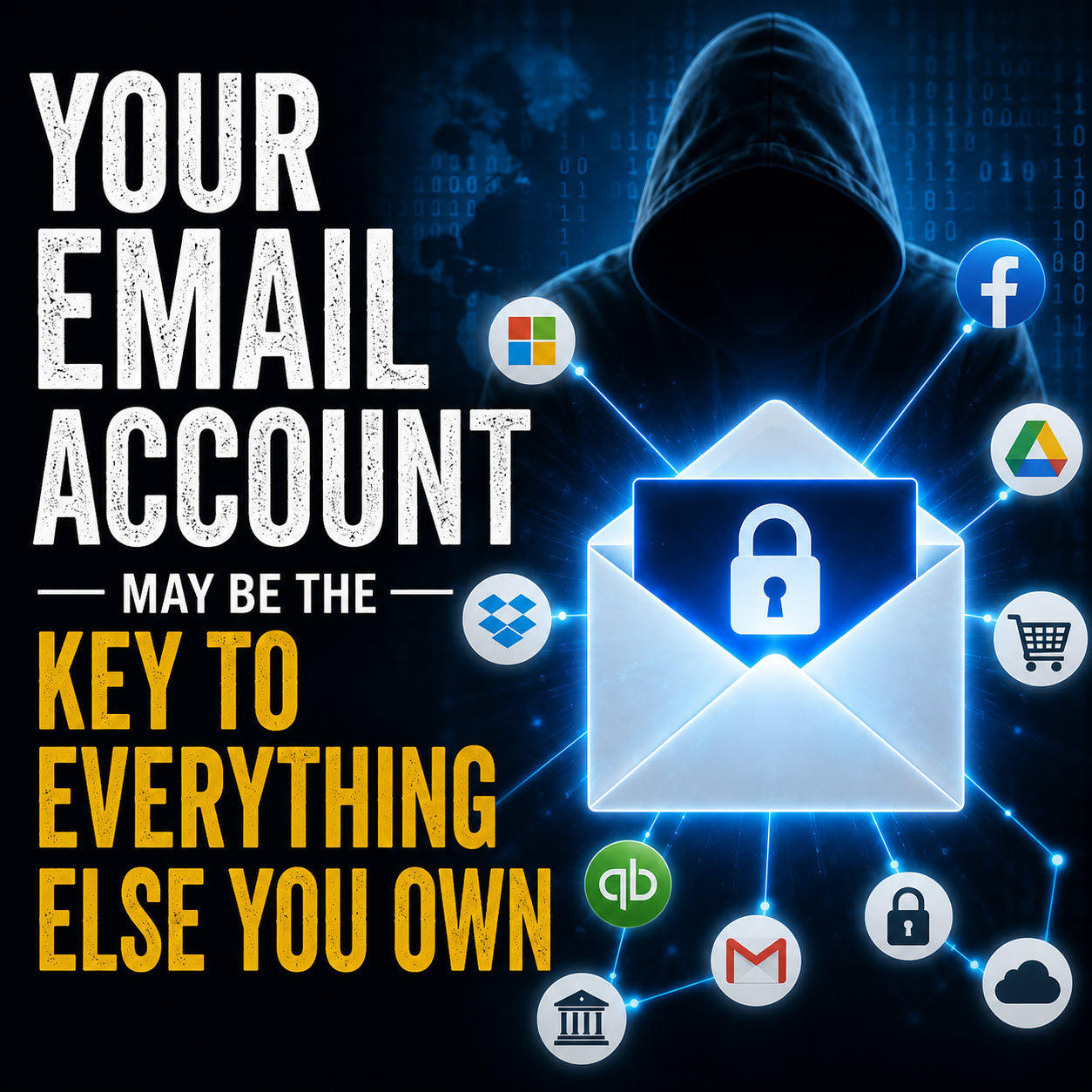
When someone enters credentials into a fake Microsoft 365, Google Workspace, bank, Dropbox, or other login page, those credentials can reach the attacker almost immediately.
What happens next varies.
Some criminals use the information themselves. Others sell it. Credentials can be combined with information collected from previous data breaches, malware infections, public records, social media accounts, and other criminal sources.
What started as an email address and password can eventually become something much more useful.
The attacker may learn where you work, who you communicate with, which cloud services your company uses, which vendors you pay, and which other accounts might share the same password.
That is why I would not look at phishing as simply a stolen password problem.
It can become an identity and access problem.
Criminals want to know which credentials are actually valuable
A list containing thousands of email addresses and passwords is useful, but verified access is far more valuable.
Criminals can test stolen credentials against real services to see which ones still work. Password reuse makes this considerably worse. A password stolen from one account might also unlock cloud storage, accounting software, social media, vendor portals, or another email account.
Stolen credentials have become valuable enough that security researchers continue to see them used as an entry point into larger attacks. Google reported that stolen credentials had become the second-most common initial infection vector in its Mandiant investigations, as covered in its 2025 report.
The attacker does not necessarily need to break into your computer.
Sometimes you accidentally hand them the key.
Changing the password may not remove the attacker
This is one of the most important things businesses need to understand.
Changing a compromised password is necessary, but it should not automatically be considered the end of the incident.
Modern phishing attacks may target more than passwords. Attackers can sometimes steal authentication cookies or session tokens that represent an already authenticated user.
Google reported a significant increase in the theft of authentication tokens and cookies as attackers sought ways around traditional account security.
That means I want to know more than whether the password was changed.
I want to know whether active sessions were revoked.
I want to check recent login activity.
I want to know whether an attacker added another authentication method or recovery address.
For a compromised email account, I also want to check inbox rules, forwarding settings, deleted messages, sent messages, connected applications, and other places where an attacker may have quietly changed something.
I have seen business email problems where cleaning the computer was only part of the job. The online account itself needed to be investigated.
The next attack may look completely different.
This is where the original phishing email can become hard to recognize as the source of the problem.
Imagine an attacker gets into an employee's mailbox.
They can potentially see customer names, invoices, conversations with vendors, upcoming payments, signatures, writing styles, and who inside the company has authority to approve something.
They do not have to attack immediately.
They can wait.
Later, a client might receive an email that appears to come from someone they already trust.
An employee might receive an urgent request that appears to come from the owner.
A vendor might receive instructions saying that the company's banking information has changed.
The FBI specifically warns that business email compromise schemes can use compromised accounts and information gathered through phishing to make fraudulent requests far more convincing.
By the time the second attack happens, nobody may remember the suspicious email someone clicked months earlier.
What I would do after a phishing incident
If an employee entered credentials into a suspicious website, I would treat the account as potentially compromised until it has been properly reviewed.
The response should usually include changing the compromised password, changing it wherever it was reused, revoking active sessions, reviewing recent sign-ins, checking authentication and recovery methods, examining email forwarding and inbox rules, reviewing connected applications, and confirming that no unexpected account changes have been made.
If banking or payment information was entered, contact the financial institution or card issuer immediately. Do not simply wait to see whether something happens.
Multifactor authentication should also be enabled wherever possible, but businesses should understand that not all forms of MFA provide the same level of protection.
Authenticator applications are generally a better choice than relying solely on text messages, but phishing-resistant authentication is stronger. Passkeys and physical security keys are increasingly important options for protecting business accounts. CISA specifically recommends phishing-resistant MFA for important business systems.
For Microsoft 365, Google Workspace, administrative accounts, remote access, and other systems that hold sensitive business information, this is something I believe businesses should seriously consider.
The goal is not panic. It is knowing how far the incident went.
A phishing email does not automatically mean the entire business has been compromised.
But simply changing a password and assuming everything is fine can leave too many unanswered questions.
What did the attacker receive?
Did they successfully log in?
Are they still logged in somewhere?
Did they change anything?
What information could they see?
Could that information be used against the business, its employees, or its customers later?
Those are the questions that actually tell you whether the incident is finished.
If your business in Springfield, MA, or Chicopee has dealt with a suspicious email, a compromised Microsoft 365 or Google Workspace account, an unusual login, or possible business email compromise, Bob's Computer Service can help investigate what happened, secure the affected accounts, and determine what needs to be done next.
The best time to investigate a phishing attack is before the second problem appears.