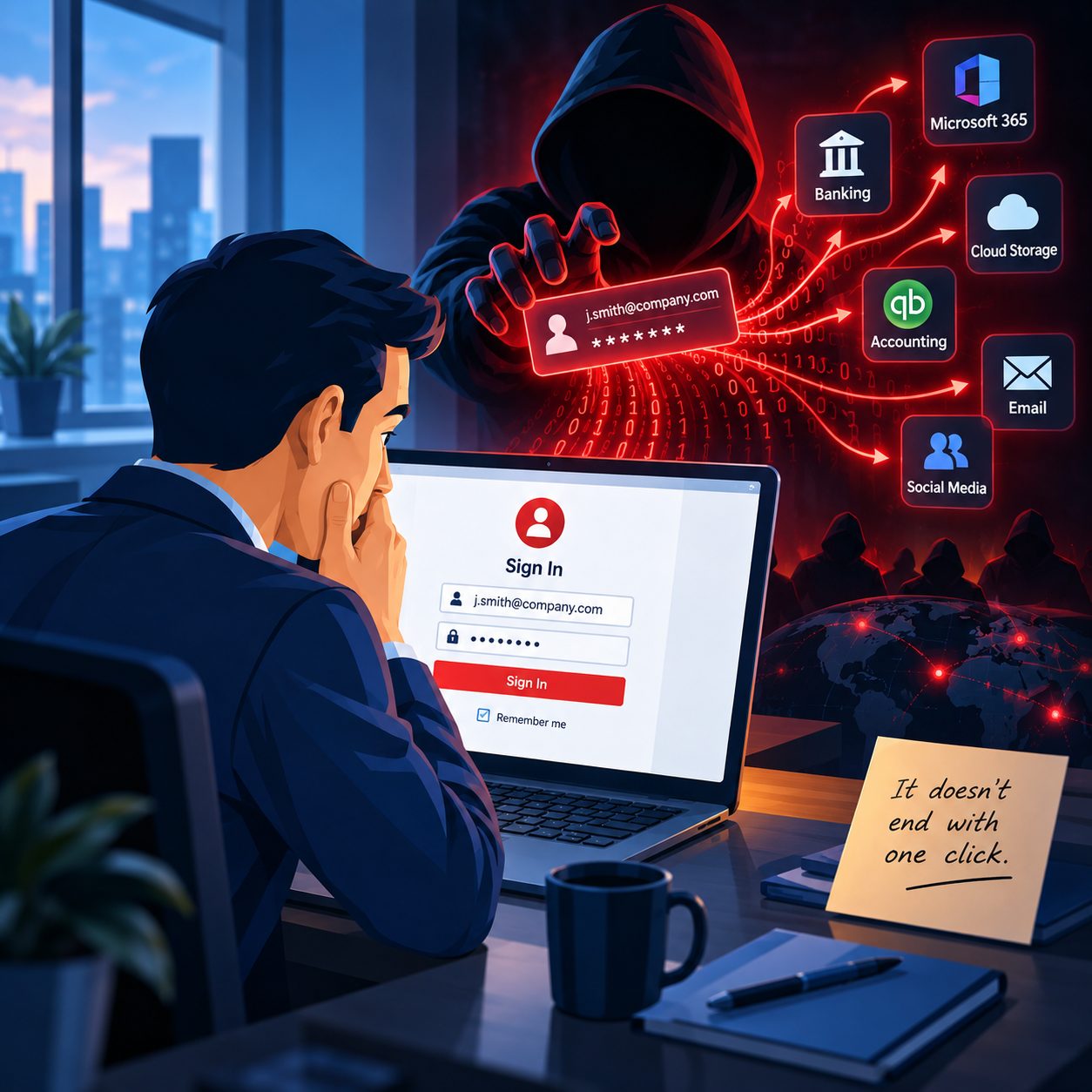
In today’s tech-driven world, small businesses depend heavily on digital data—from client details and invoices to inventory logs and payroll records. While computers make day-to-day operations easier, they also open the door to serious risks. A single cyberattack, hard drive crash, or accidental file deletion can grind your business to a halt.
That’s why having a dependable backup strategy isn’t optional—it’s essential.
What Is a Backup, and Why Does It Matter?
A backup is a secure copy of your critical data, stored separately from your central system. If something goes wrong, a backup allows you to recover the data and get back to work quickly. Without it, recovery could take days, cost thousands, or be impossible altogether.
Many small business owners in Western Massachusetts assume they’re too small to be a target. Unfortunately, that’s precisely what makes them vulnerable. Cybercriminals are aware that small businesses often lack adequate defenses, including robust backups.
Types of Backup Options
There are a couple of common ways to back up your data:
- Cloud Backup – This is one of the most hassle-free options. Your files are automatically saved to a secure cloud server. It runs in the background, and your data stays safe even if your computer gets damaged or stolen.
- External Drives – These let you manually copy files to a physical device. When stored offsite or disconnected from your central system, external drives can provide robust protection against both cyberattacks and equipment failures.
The best strategy often combines both cloud and local backups for maximum security.
Don’t Let Ransomware Catch You Off Guard
One of the fastest-growing threats to small businesses is ransomware. In these attacks, hackers lock your files and demand payment to unlock them. But if you’ve got a recent, clean backup, you don’t have to panic—you can wipe the infected system and restore everything without paying a dime.
Backups Only Work If They’re Current
It’s not enough to have a backup—you also need to make sure it works. Set a routine schedule to check and test your backup system. Are your files backing up automatically? Can you restore them easily? At Bob’s Computer Service, we’ve helped Springfield-area businesses avoid disaster just by catching unnoticed backup failures during routine checkups.
Secure Your Business Before Disaster Strikes
Your business data is one of your most valuable assets. Please don’t leave it unprotected. At Bob’s Computer Service, we offer customized backup solutions for local small businesses—from simple external drive setups to fully managed cloud backups. We’ll help you select the right option, set it up, and ensure it’s tested and ready.
Protect your data today, so you’re not left scrambling tomorrow. Give us a call—we’ll make sure your backup is solid, secure, and stress-free.