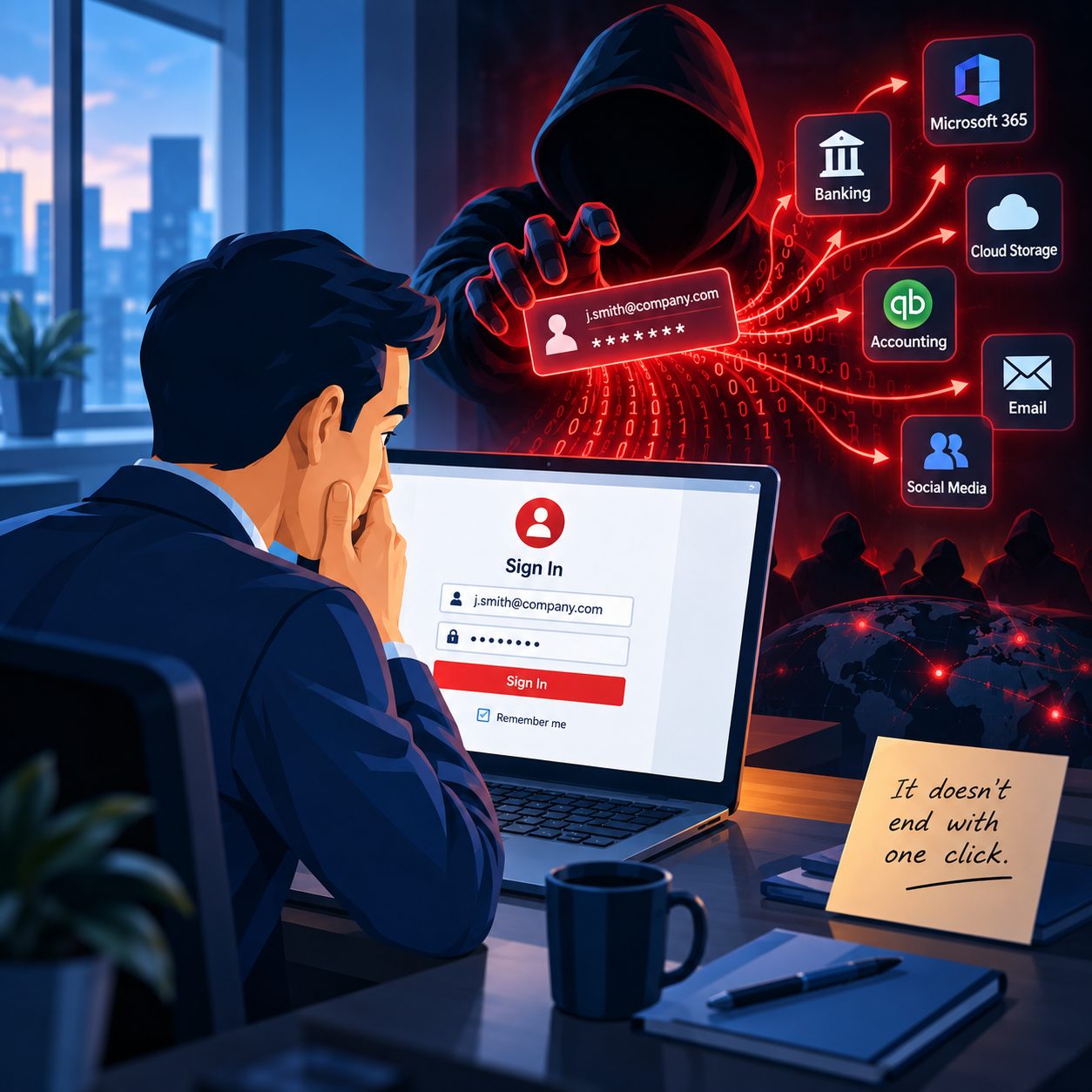
Something almost went very wrong, and you know it.
Maybe a former employee still had access months after leaving. Maybe a confidential file was one click away from going to the wrong person. Maybe water, power, or equipment trouble came frighteningly close to the server holding years of business data.
Nothing actually happened.
That is the good news.
The problem is that a near miss usually exposes a weakness that was already there. Once the immediate relief wears off, the question remains:
What happens next time if we are not so lucky?
I work with businesses throughout Springfield, MA, and communities such as Chicopee, and situations like these are often more useful than they first appear. They allow a business to fix a weakness before it becomes a real incident.
These four situations are not about businesses with no security or no backups. They are about businesses that had some protection in place, got lucky, and then realized that what they had might not have been enough.
1. The Former Employee Who Still Had the Keys
A business reviews its user accounts, and something unexpected appears.
A former employee who left months ago still has an active account.
Maybe the departure was rushed. Maybe one department assumed another department disabled the account. Maybe the Microsoft 365 login was removed, but access to another system remained.
Whatever the reason, the uncomfortable reality is the same.
Someone who no longer works for the company still had a working set of digital keys.
The account may never have been used after the employee left. There may be absolutely no evidence that anything happened.
But that is not really the lesson.
The important question is how an account remained active for months without anyone noticing.
And once you find one forgotten account, another question quickly follows.
Are there others?
Former employees are only one example. Old vendor accounts, unused administrator accounts, shared passwords, forgotten remote access tools, and accounts belonging to people whose responsibilities changed can all remain active long after they should have been reviewed.
What the near miss revealed: The business lacked a reliable way to confirm that access was removed when someone left or changed roles.
What should happen next: Review active accounts, permissions, remote access, administrator rights, shared credentials, and the process used when an employee leaves.
Deactivating one account fixes the immediate problem.
Creating a dependable access review process helps prevent the next one.
2. One Second From a Disclosure Event
Someone is preparing an email.
The attachment contains medical information, financial records, employee information, client documents, or other sensitive data.
The recipient's name is entered.
Autocomplete fills in the address.
The mouse moves toward Send.
Then someone notices.
Wrong person.
The email is corrected, and nothing happens.
For a few seconds, there is enormous relief.
Then comes the realization.
The only thing separating the business from a potential privacy or disclosure incident was somebody noticing the mistake before clicking a button.
On a quiet afternoon, that might be enough.
What about a Monday morning when the phone is ringing, several clients are waiting, and an employee has six things competing for attention?
Human beings make mistakes.
Good information security recognizes that and adds safeguards around the moments when mistakes are most likely.
That might mean better procedures for sending sensitive information, secure document sharing, clearer naming conventions, permission controls, encryption, or adding a verification step before sending sensitive information.
What the near miss revealed: A single human mistake could have exposed confidential information.
What should happen next: Review how sensitive information is emailed, shared, stored, and verified before it leaves the business.
The goal is not to eliminate every possible human mistake.
The goal is to keep one mistake from becoming an incident.
3. The Server That Almost Took the Data With It
Cybersecurity gets most of the attention today, but business data can disappear without anyone hacking anything.
- A burst pipe.
- A power event.
- A failed air conditioner.
- A building maintenance problem.
- A fire.
- A hardware failure.
Suddenly the conversation is no longer about ransomware or phishing. It is about the physical equipment sitting in the office.
Imagine discovering that something came dangerously close to damaging the computer, server, or storage device containing years of company data.
Everything survives.
Then somebody asks a very simple question.
If that equipment had been destroyed, where would we recover the data from?
Sometimes the answer is reassuring.
An off-site or cloud backup could be used to recover the business.
Other times the answer is much less comfortable.
The server is in one corner of the room.
The backup drive is sitting a few feet away.
Technically, the business has a backup.
But if the entire room is damaged, the original data and the backup could disappear together.
A backup sitting next to the computer it protects helps with certain problems.
It is not a complete disaster recovery strategy.
What the near miss revealed: The original data and the backup may have been vulnerable to the same physical event.
What should happen next: Confirm that important business data is backed up somewhere physically separate from the primary system. For many businesses, that means an off-site or cloud-based backup in addition to any local backup.
That distinction often does not become obvious until something almost happens.
4. Recovered, but Only Just
A shared folder disappears.
Someone deletes the wrong directory.
A file containing months of work suddenly cannot be found.
For a few uncomfortable minutes, nobody knows whether it is coming back.
Then the backup system does exactly what it was supposed to do.
The file is restored.
Crisis avoided.
Except the restored version is several hours earlier.
Everything created or changed after that backup is gone.
The business recovered most of its work, which is certainly better than recovering nothing.
But the experience reveals another important part of backup planning.
Having a backup is only one question.
You also need to know how much data you are willing to lose between backups and how quickly you could realistically recover after something goes wrong.
For one business, losing four hours of work might be inconvenient.
For another, four hours could represent dozens of transactions, appointments, client records, or changes that would be extremely difficult to reconstruct.
What the near miss revealed: The backup existed, but the backup schedule didn't match the value or pace of the business data.
What should happen next: Review how often important data is backed up, how long backups are retained, and whether files can actually be restored when needed.
Whenever possible, test backups.
A backup that has never been restored is still partly a promise.
What a Near Miss Is Actually Telling You
A real incident forces action.
Systems go down. People start making calls. Decisions have to be made immediately.
During that process, businesses often discover things they wish they had known earlier.
Who still has access?
Where are the backups?
Can the backups actually be restored?
Who is responsible for shutting down an employee account?
How is confidential information supposed to be shared?
How quickly could the company function again after equipment failure?
A near miss asks many of those same questions without taking the business down first.
That is why it shouldn't be dismissed as good luck.
It is information.
Something in the business almost failed badly enough to matter, and for a brief moment the weakness became visible.
That is the time to look at it.
Review the accounts.
Check the permissions.
Look at how sensitive files are handled.
Confirm that important business data has an off-site backup.
Make sure the backup is current.
Test whether you can actually recover important information.
None of these steps require a disaster to justify them.
Sometimes a close call is enough.
If something recently happened in your Springfield, MA, area business that made you think, "That could have been so much worse," pay attention to that reaction.
The crisis may have passed.
The weakness that almost caused it may still be there.
Bob's Computer Service helps small businesses in Springfield, MA, Chicopee, and throughout Western Massachusetts review computer security, user access, backups, Microsoft 365, networks, and other technology risks before a near miss becomes something much more expensive.
If something almost happened, get in touch.
Let's figure out what the warning was trying to tell you.