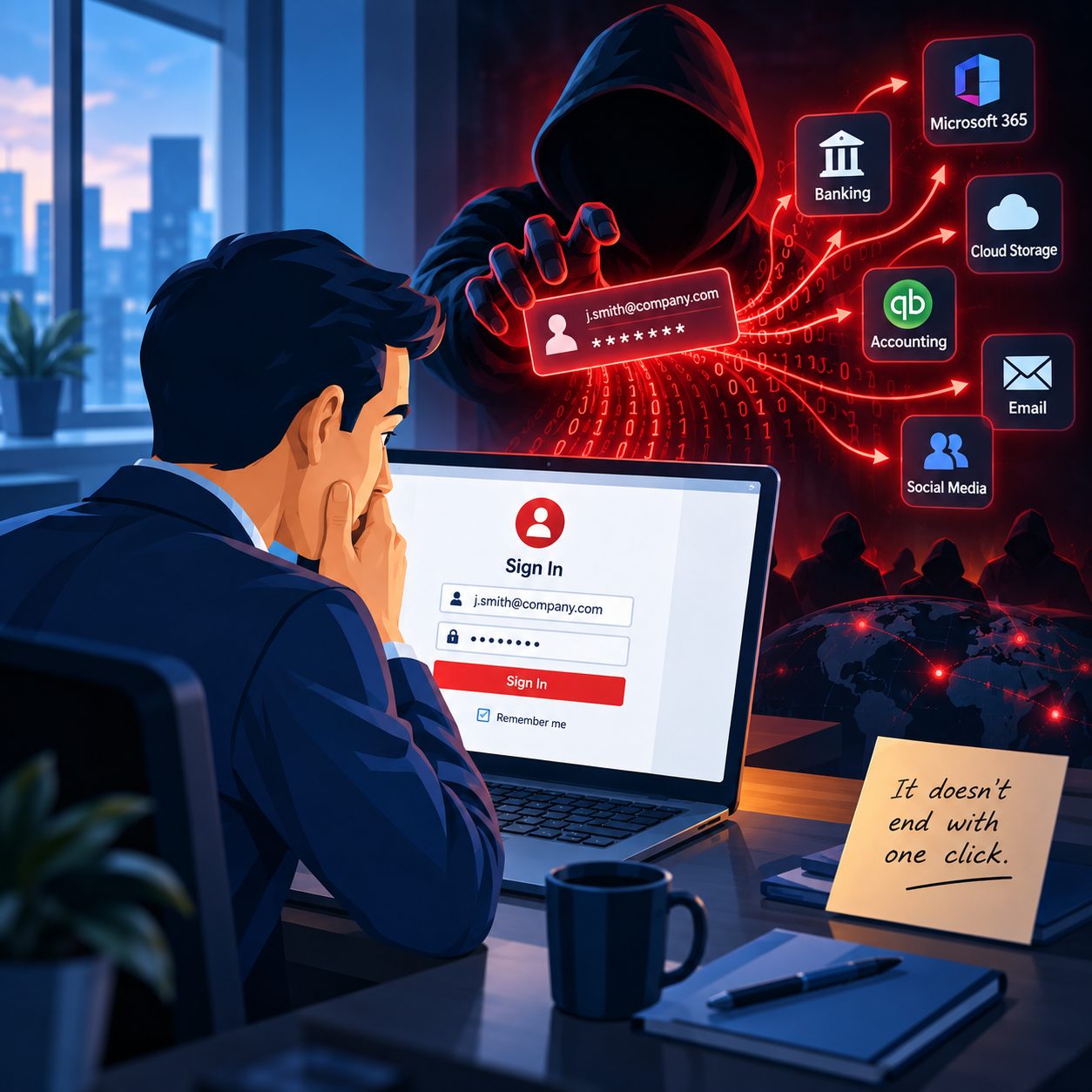
You open Outlook and a password box appears.
You enter the password you know is correct.
Outlook thinks about it for a few seconds, the box disappears, and then it comes right back.
So you type it again.
And again.
I see this problem fairly regularly when helping clients around Springfield, MA, and Chicopee. What makes it especially frustrating is that the password often is not the problem at all.
Outlook may be asking for a password because something else between Outlook and your email provider is no longer communicating correctly.
Sometimes the fix takes five minutes. Other times that password box is the first clue that an email account has been configured incorrectly for years and something finally changed.
First, make sure the password actually works
Before changing anything in Outlook, I usually want to know whether the password works directly with the email provider.
For example, if it is a Gmail account, can you sign into Gmail through a web browser?
If it is Microsoft 365, can you sign into Microsoft through the web?
If the web login works but Outlook keeps rejecting the same password, that tells us something important.
The account itself probably works.
Now we need to figure out why Outlook cannot authenticate properly.
Your regular password may not be the password Outlook wants
This is where things start getting confusing.
Some email accounts use an app password.
An app password is a separate password generated by your email provider specifically for a program or device. It may be needed when an older email program or certain types of email connections cannot use the provider's normal modern sign in process..
Google, for example, can allow app passwords on accounts using two step verification in certain situations. Google also notes that changing your main Google password revokes existing app passwords. That means Outlook can suddenly stop connecting even though you are entering your new Google password correctly.
Newer versions of Outlook will often use Google's normal secure sign in process instead, which is preferable when available.
The important part is that blindly typing the same password twenty times usually does not accomplish much.
We need to know which kind of authentication Outlook is actually trying to use.
IMAP, POP and Exchange are not all the same thing
This is another area where email becomes unnecessarily confusing.
You may have heard terms such as POP, IMAP, SMTP and Exchange without ever needing to know what they mean.
Until something stops working.
IMAP
IMAP normally keeps your email synchronized with the mail server.
If you read or delete an email on your computer, that change can synchronize with your phone or another device as well.
This generally suits how most people use email today.
POP
POP is older technology.
It traditionally downloads messages from the server to a computer. Depending on how it was configured, messages may be removed from the server or handled differently than users expect today.
I still encounter older email accounts that have been running through POP for years.
They worked, so nobody touched them.
Then something changes with the email provider, security requirements, Outlook or the computer itself, and suddenly we have a mess.
Exchange and Microsoft 365
Microsoft 365 business accounts generally connect better to Outlook using Microsoft's modern Exchange-based connection than by manually forcing the account through POP or IMAP.
Microsoft has moved Exchange Online away from older Basic Authentication and toward Modern Authentication using OAuth. That change has broken plenty of older configurations that once worked without a problem.
This is an important distinction.
Sometimes the solution is not finding the correct password.
The solution is configuring the account correctly.
The incoming mail settings could be wrong
If Outlook is using IMAP or POP, it needs to know where to retrieve your email.
That includes things such as:
- Incoming server address
- Port number
- Encryption method
- Authentication method
- Username
One incorrect setting can cause Outlook to keep asking for credentials.
Even something as simple as entering only your username when the provider requires your complete email address can cause authentication failures.
Microsoft recommends checking the account type and mail server information when Outlook can't connect properly.
Do not forget about outgoing mail
Here is another common source of confusion.
Receiving email and sending email can use different settings.
SMTP is normally responsible for outgoing email.
That means you can occasionally have an Outlook account that receives messages perfectly but refuses to send.
Or Outlook keeps asking for a password when it tries to send something.
The outgoing mail server may require authentication, a particular encryption method, or different credentials.
This is why simply saying, "My email works" does not always tell me the whole story.
Can you receive?
Can you send?
Do both work on another device?
Does webmail work?
Those answers quickly narrow things down.
Outlook may be remembering the wrong password
Windows and Outlook can store credentials so you do not need to enter your password every time you open the program.
Usually that is convenient.
Until the stored information becomes outdated or corrupted.
You change your email password, but Outlook continues trying to use the old credentials behind the scenes.
Then the password prompt starts appearing.
You enter the correct password, Outlook still has something conflicting stored elsewhere, and the cycle continues.
Sometimes clearing the old credentials and reconnecting the account solves the problem.
Your Outlook profile can be the problem
An Outlook profile stores information about your accounts and how Outlook connects to them.
Profiles can become damaged.
This can cause all sorts of strange Outlook behavior, including repeated password prompts, missing folders, synchronization problems or accounts that will not connect even though every setting appears correct.
Creating a fresh Outlook profile can sometimes be easier and safer than spending hours trying to repair a badly damaged one.
But there is an important warning here.
I do not recommend randomly removing accounts or deleting Outlook profiles unless you understand how that particular email account stores its data.
Especially with older POP configurations, you want to know where the mail is located before changing anything.
It could also be an Outlook problem
Sometimes the account and password are perfectly fine.
Outlook itself may need attention.
I look at things such as:
- Office updates
- Windows updates
- Credential storage
- Outlook profiles
- Add ins
- Authentication prompts
- Account configuration
- Security software
- Corrupted Outlook data files
- Whether the problem happens on another computer or device
The goal is not to randomly change settings.
It is to figure out where the connection is breaking.
Then there is the security side
A password problem deserves a little extra attention if it appears suddenly.
Repeated login prompts do not automatically mean your account has been hacked.
Most of the time there is a much less dramatic explanation.
But if the password issue is accompanied by unfamiliar login alerts, unexpected multifactor authentication requests, missing email, strange forwarding rules, messages you did not send or other unusual activity, I would treat it differently.
That is no longer just an annoying Outlook problem.
It may be a security issue.
When should you call someone?
If Outlook asks for your password once and signing back in fixes it, I would not worry too much.
If the prompt keeps coming back, I would stop repeatedly entering passwords and start troubleshooting.
Especially call someone if:
- Your password works online but not in Outlook.
- You recently changed your email password.
- You recently enabled two step verification.
- Outlook asks for an app password.
- You are using an older POP or IMAP setup.
- You can receive email but cannot send it.
- One device works while another does not.
- Outlook keeps asking for credentials every few minutes.
- You are afraid that removing the account could delete locally stored email.
- You see anything that makes you suspect the account itself may have been compromised.
Sometimes the password is the least important part
One reason I enjoy troubleshooting email problems is that they are often little puzzles.
A client tells me Outlook will not accept a password.
That is the symptom.
The real problem might be an old POP configuration, an expired app password, incorrect IMAP settings, cached credentials, an outdated authentication method or a damaged Outlook profile.
Once we identify what's failing, the fix usually becomes much clearer.
If Outlook keeps asking for your password and you are tired of entering the same thing over and over, Bob's Computer Service provides Outlook troubleshooting, Microsoft 365 support, and email setup for homes and small businesses throughout Springfield, MA, Chicopee, and the surrounding Western Massachusetts area.
Sometimes it really is just a password.
Sometimes Outlook is trying to tell us something else.